Panorama Retreats
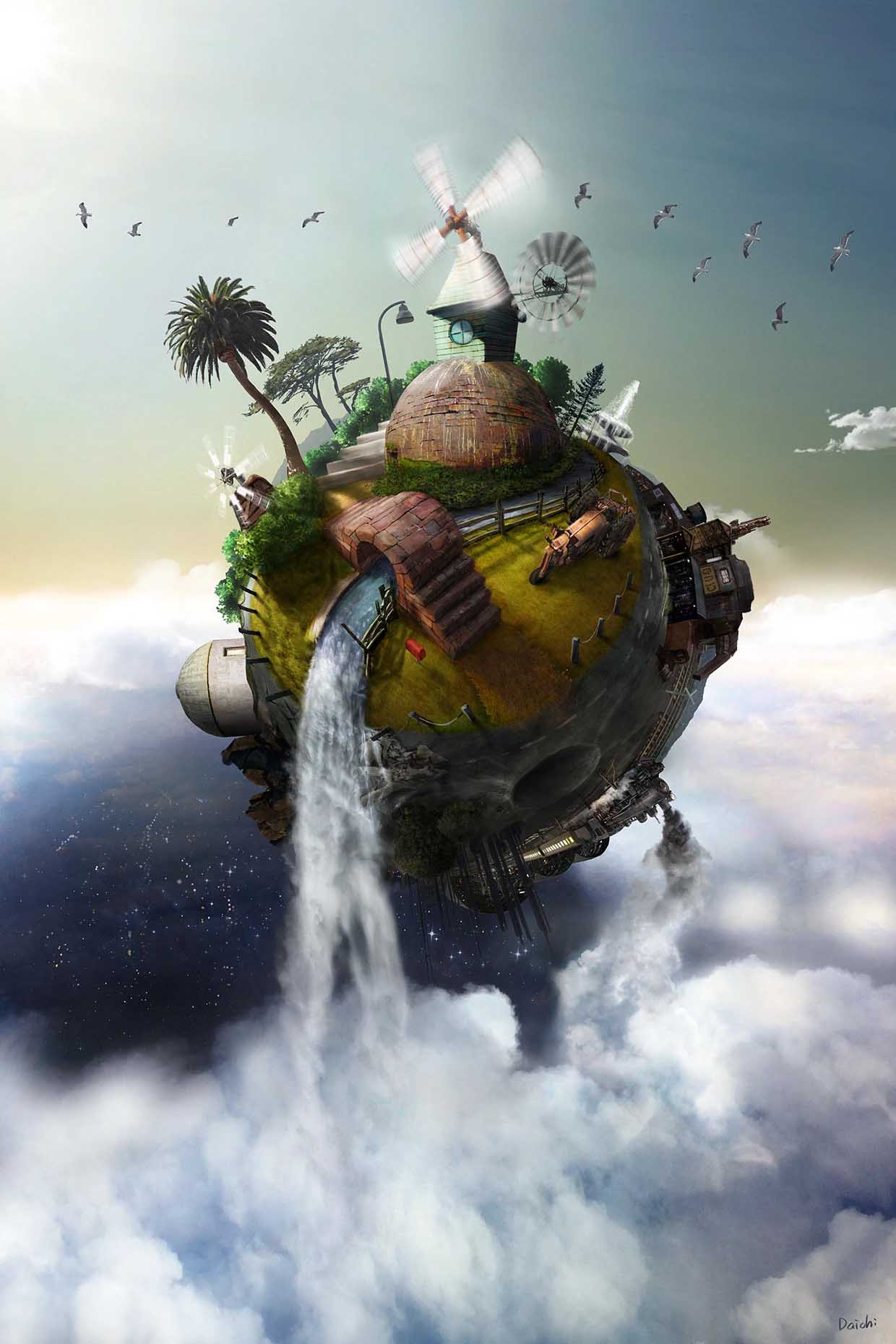
I made an Apple Vision Pro app, Panorama Retreats.
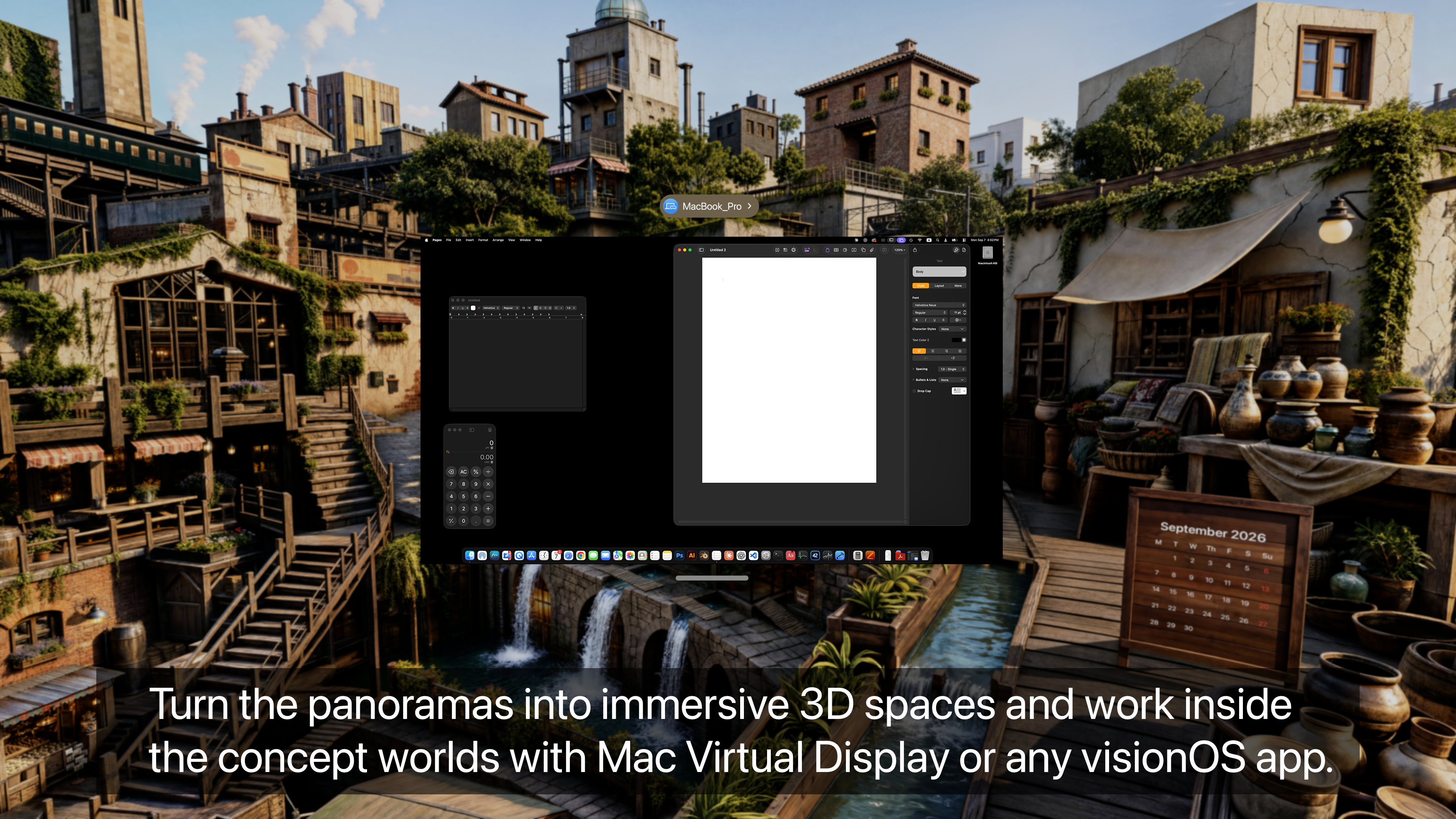
Panorama Retreats is designed to expand how Apple Vision Pro users can use
Personal Environments while working, focusing, browsing, or watching
media.
One of my favorite Apple Vision Pro workflows is using Mac Virtual Display
inside immersive Environments such as Bora Bora or Haleakalā. Changing
my surroundings helps me focus and makes long work sessions more
enjoyable.
When visionOS 27 introduced Personal Environments from panoramic images, I
experimented with converting my own concept artwork rather than
conventional photographs. I found that when the artwork was carefully
prepared with appropriate panoramic projection and perspective, visionOS
could transform it into a convincing spatial environment. Feeling as though
I was actually inside an imaginary city inspired me to create Panorama
Retreats.
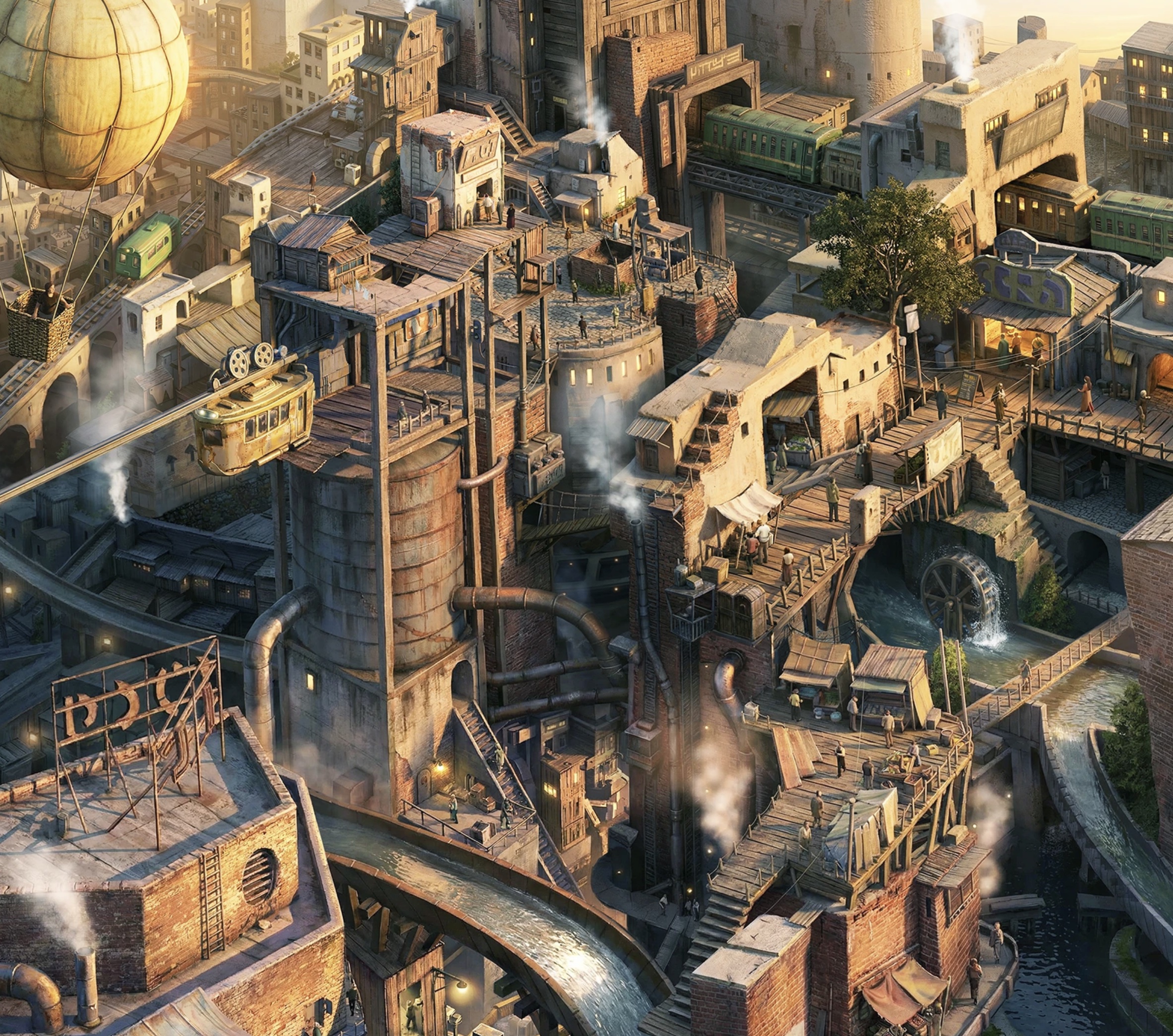
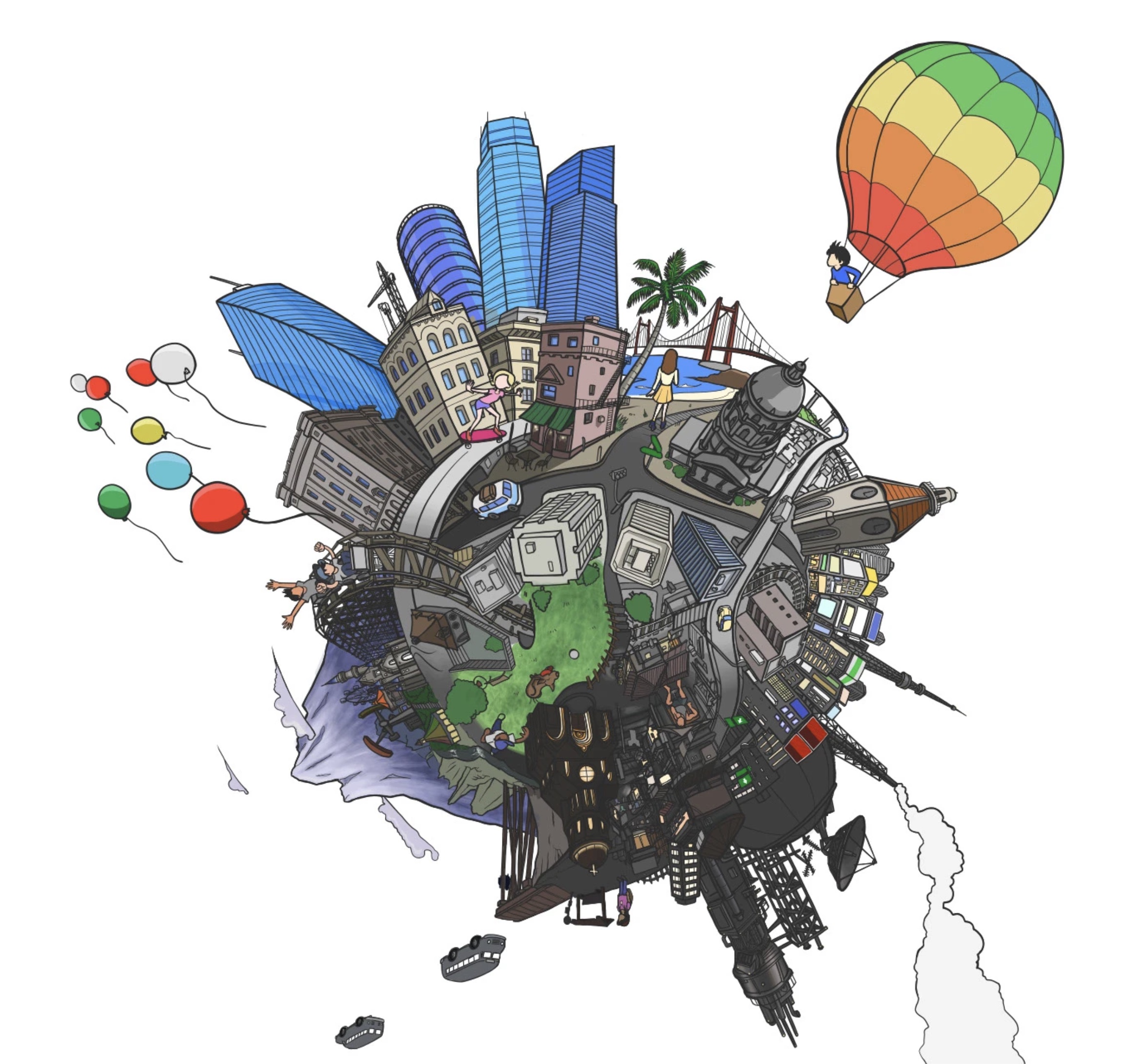
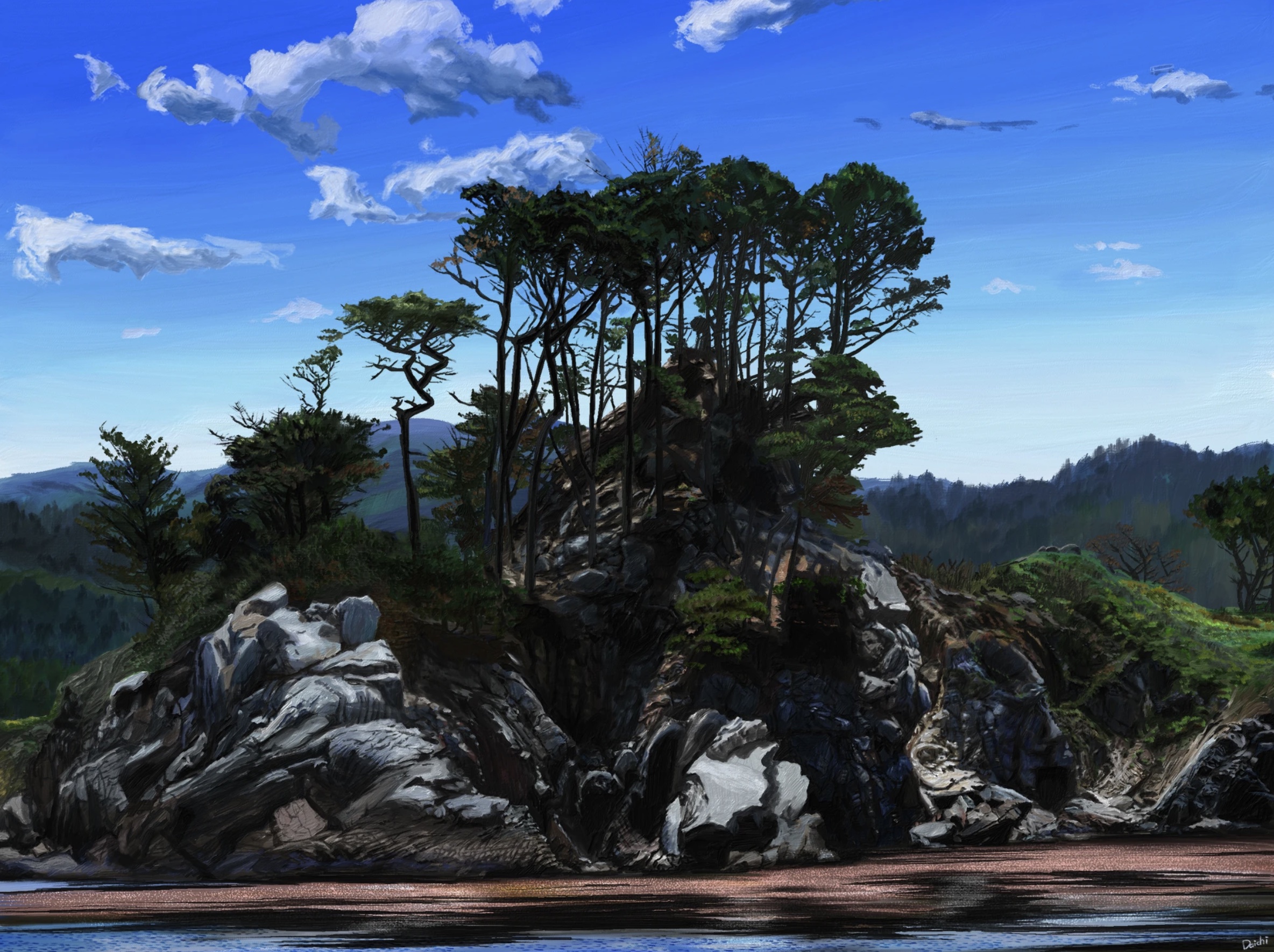
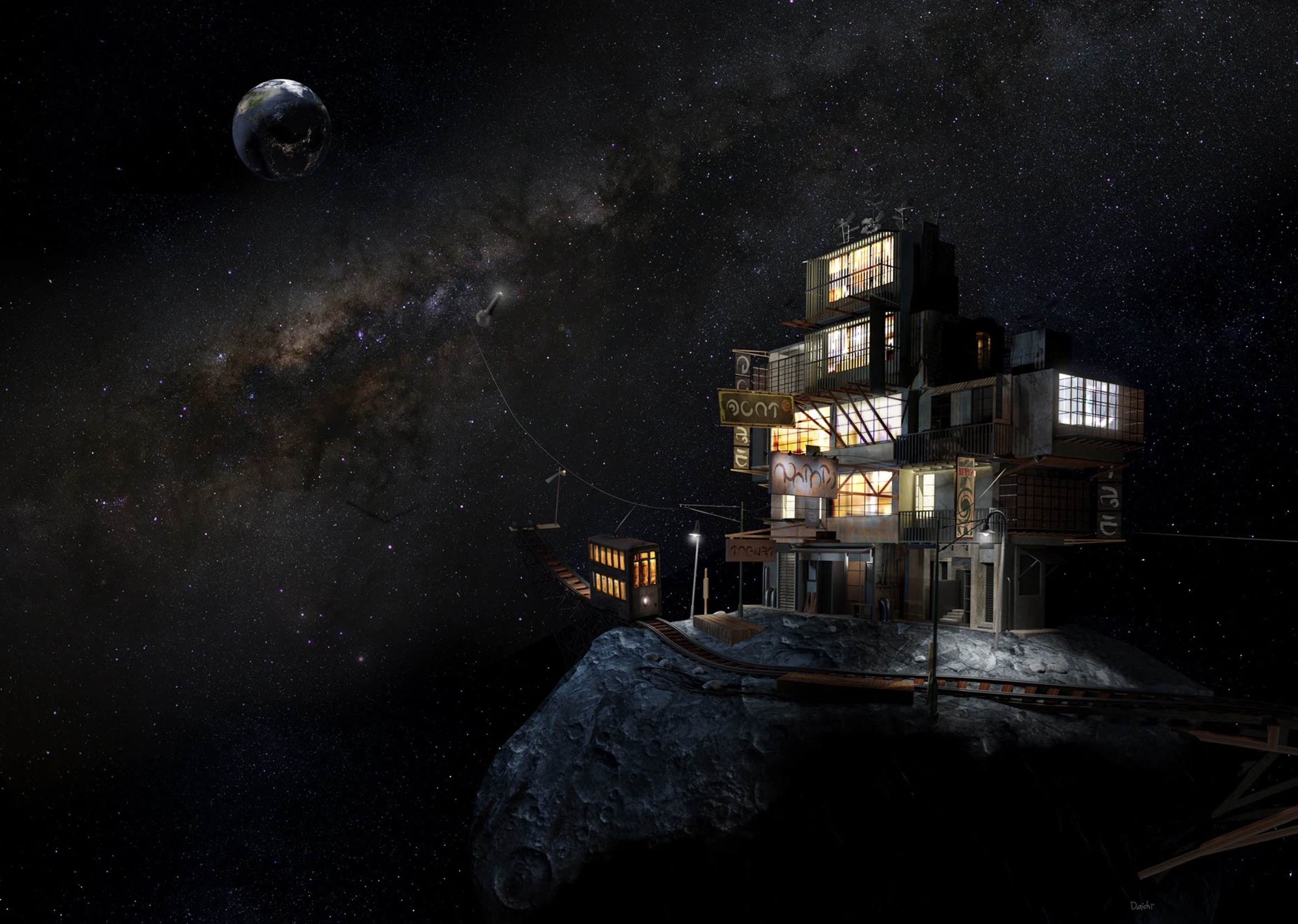
The app includes original imaginary cityscapes designed with immersive
viewing in mind. Users can preview each scene, personalize them with their
photo or a calendar, and save them and convert them to environments.
The goal is to provide a new kind of workspace or retreat: instead of
simply viewing concept art, users can surround themselves with an imaginary
world while working with Mac Virtual Display or using other visionOS
apps.
Panorama Retreats
The Imaginary Route
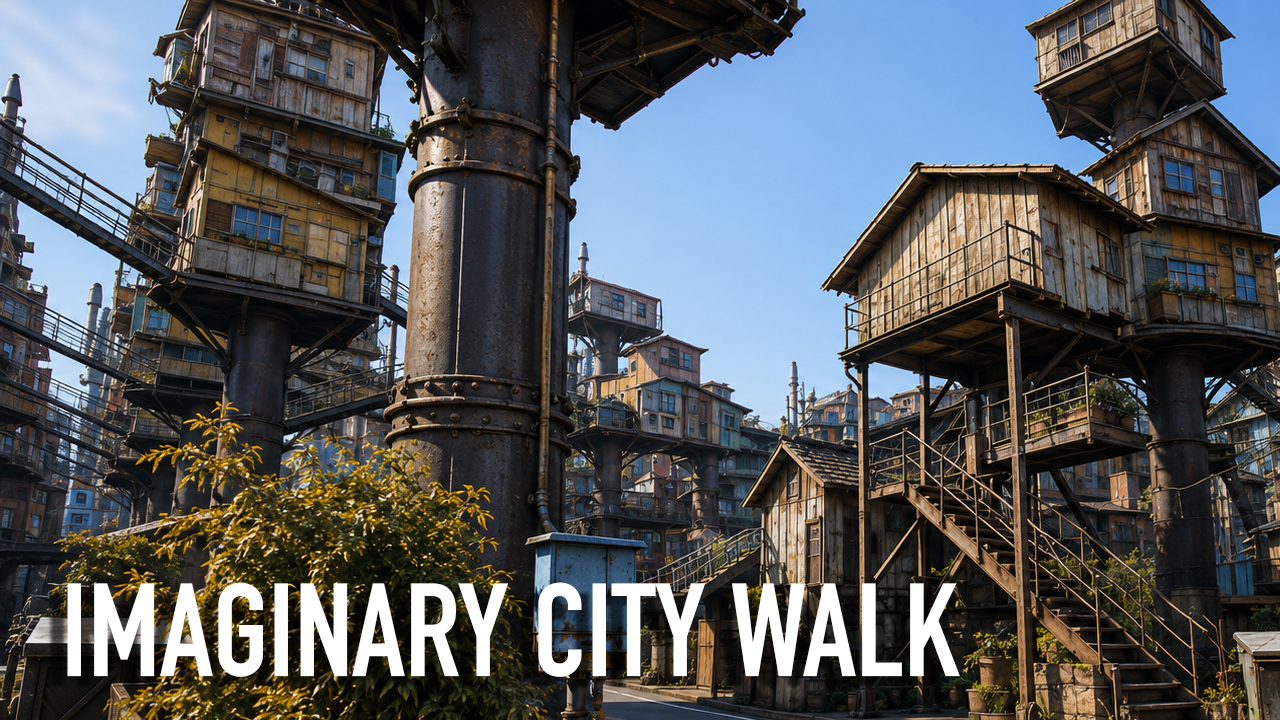
I created a YouTube channel where I share immersive journeys through
imaginary cities.
Starting with my original concept art, I use AI to bring these worlds to
life through walking tours, aerial journeys, and slow gondola rides along
canals. You can explore the streets, architecture, waterways, and
atmosphere as if you were actually inside these imaginary places.
There’s no music and no narration—just the sights and natural
ambient sounds of the environment.
Turn your screen into a window to an imaginary world, and enjoy the
journey.
The Imaginary Route
Balance Supporter for Apple Vision Pro
I see huge potential in Apple Vision Pro, and I’ve been using it
almost every day.
As my workflow has expanded, weight has become the biggest issue. The new
Dual Knit Band is definitely an improvement over the Solo Knit Band, but it
still isn’t quite comfortable enough for longer sessions.
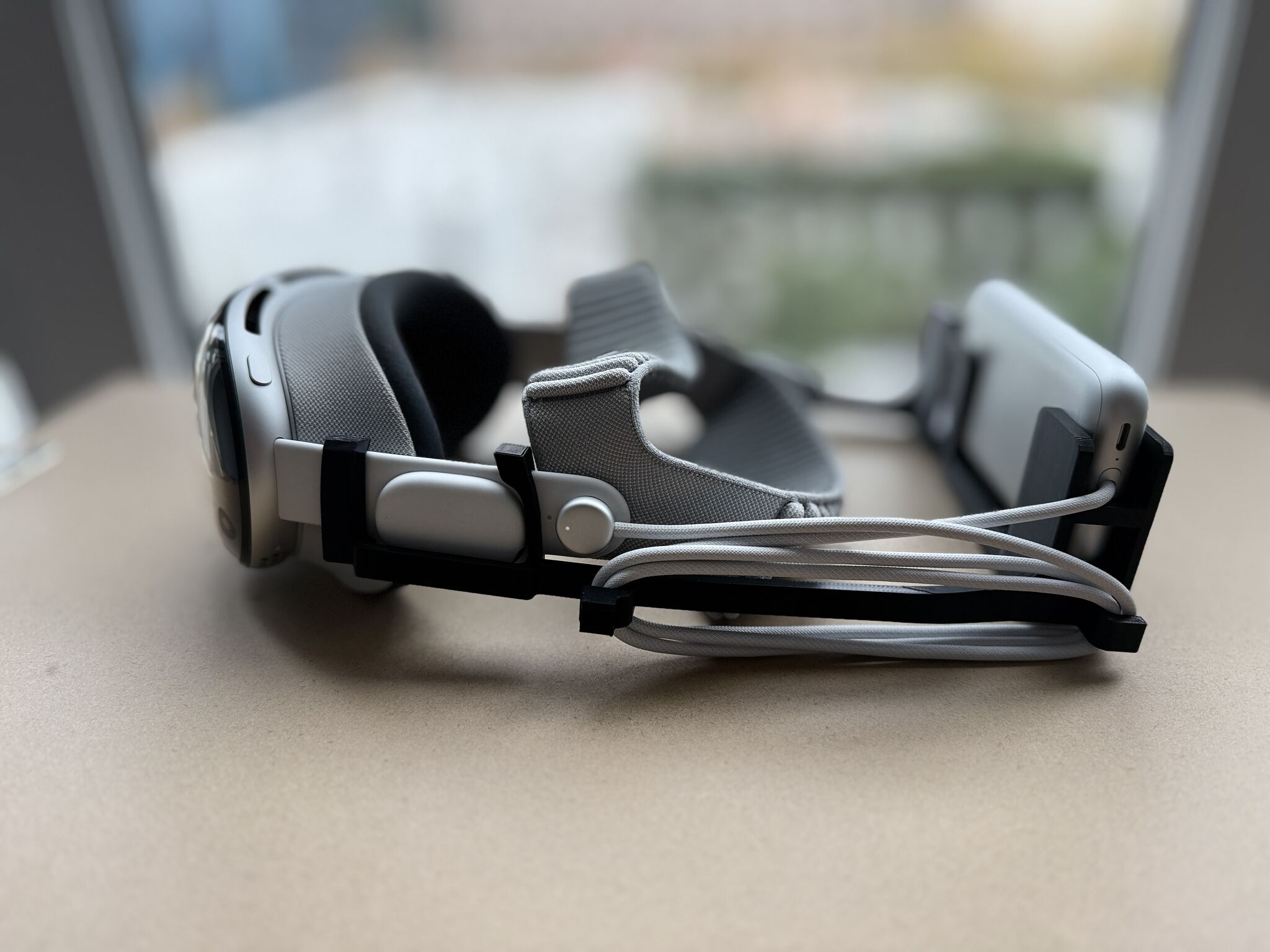
So I spent a few weekends redesigning my Balance Supporter to work with the
Dual Knit Band. This updated version shifts more of the weight to the top of
the head, and for me, the comfort improvement is significant. I can now wear
Vision Pro for much longer periods without discomfort.
I’ve shared the design on Printables for anyone who wants to try it.
I hope it helps other Vision Pro users who are looking for better long-term
comfort.
Balance Supporter for Apple Vision Pro with Dual Knit Band
Balance Supporter for Apple Vision Pro with Solo Knit Band
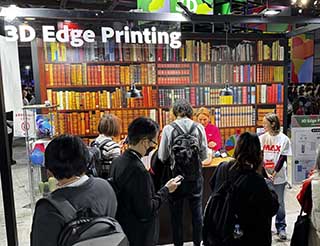
3D Edge Printing
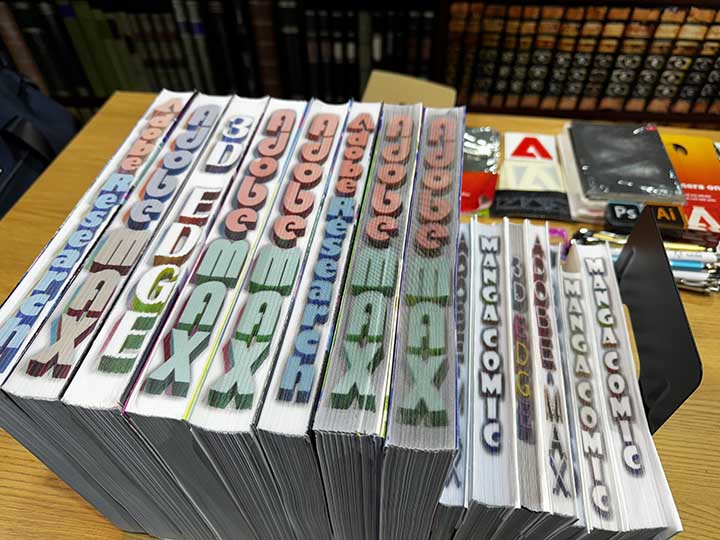
Inspired by fore-edge painting, a historic book-edge painting technique
dating back to the 10th century, I developed a technology that creates
naked-eye 3D effects on the edges of books using standard paper and ink.
My prototype app processes 3D content through a specialized algorithm and
imports the results directly into existing InDesign files.
The project was showcased at Adobe MAX Japan 2023.
Read more on
Adobe Research
** For projects within Adobe and Adobe Research,
I only share work that is already public, as these projects are
confidential.
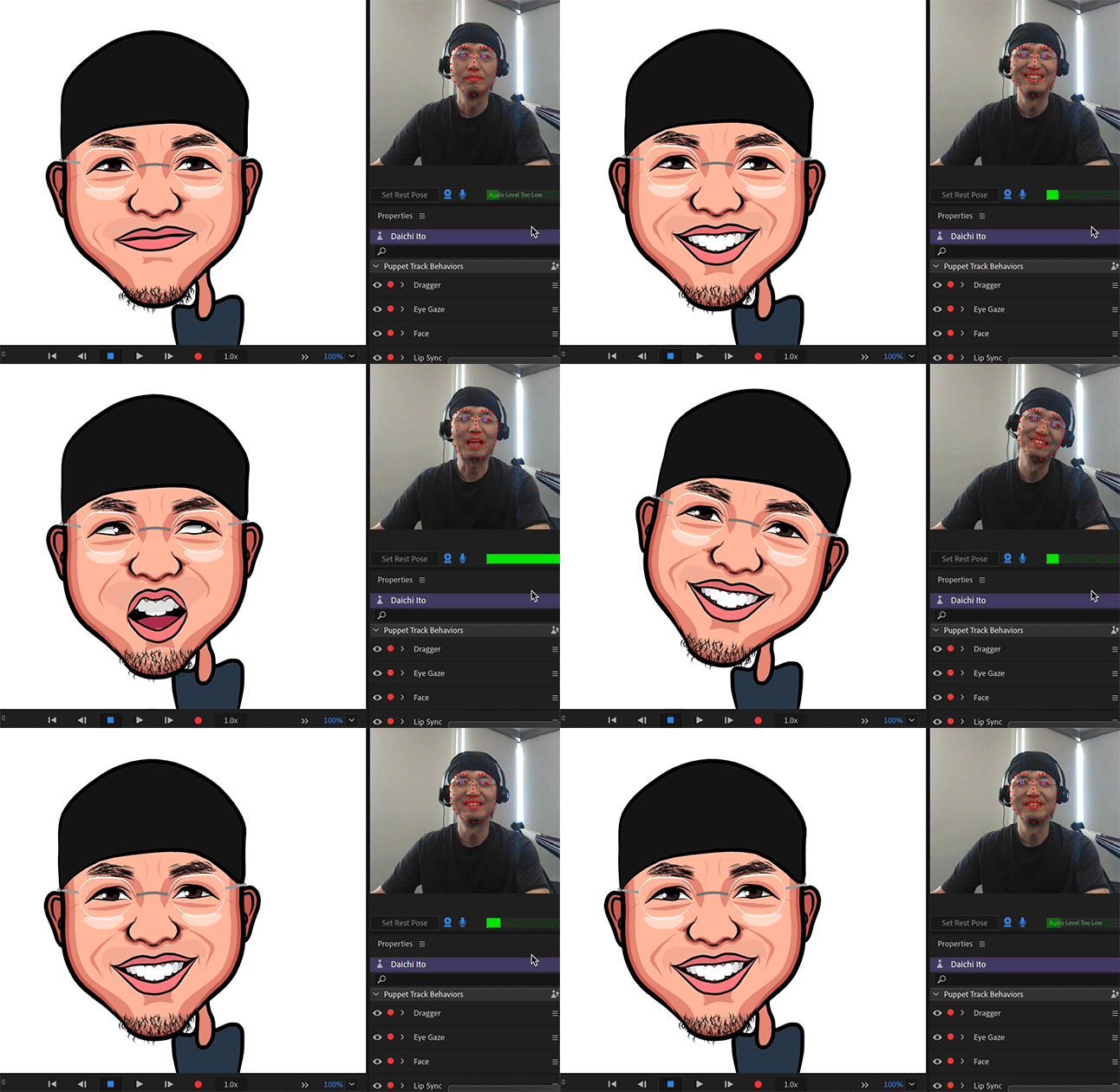
Image-to-Avatar Translation
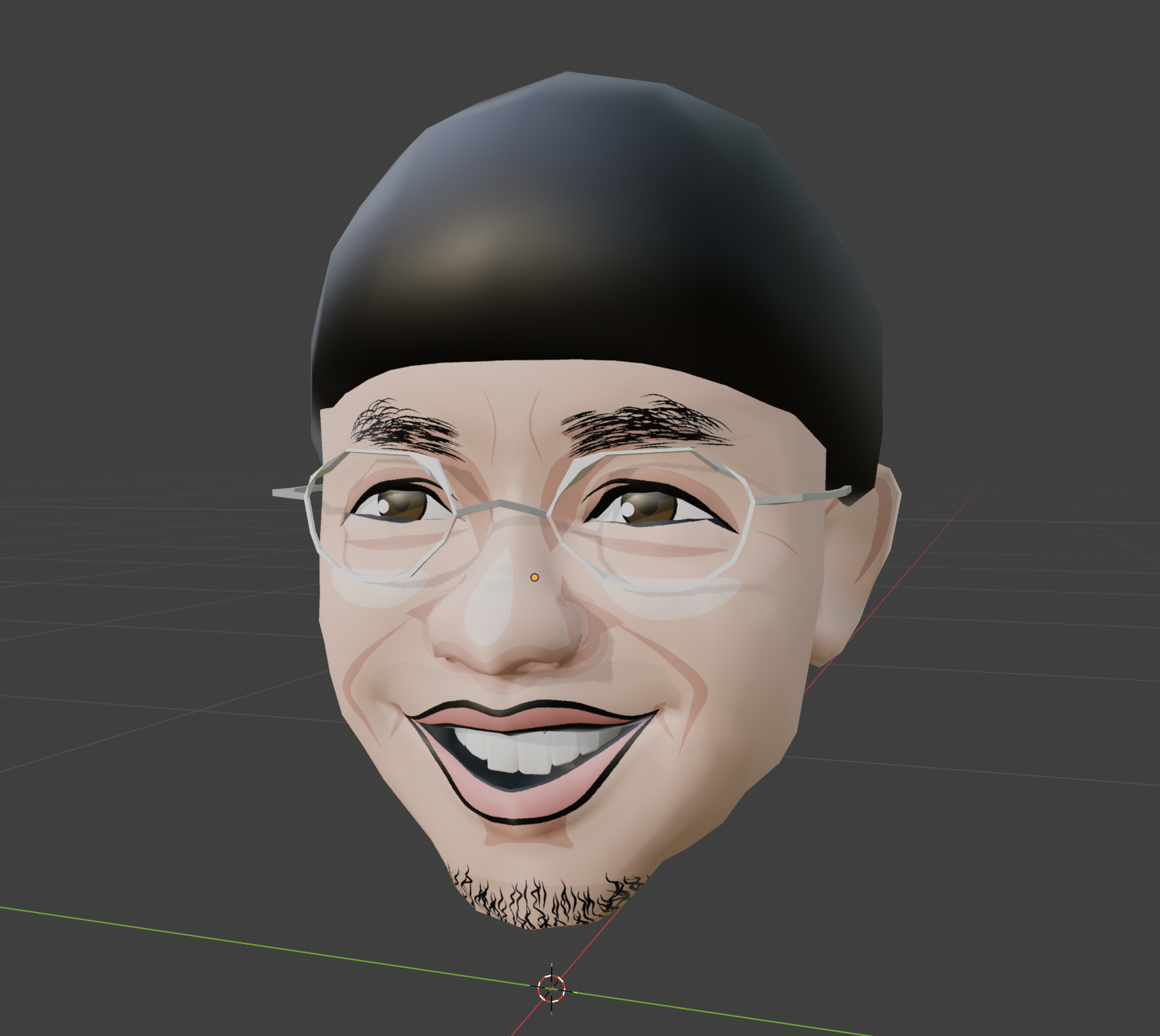
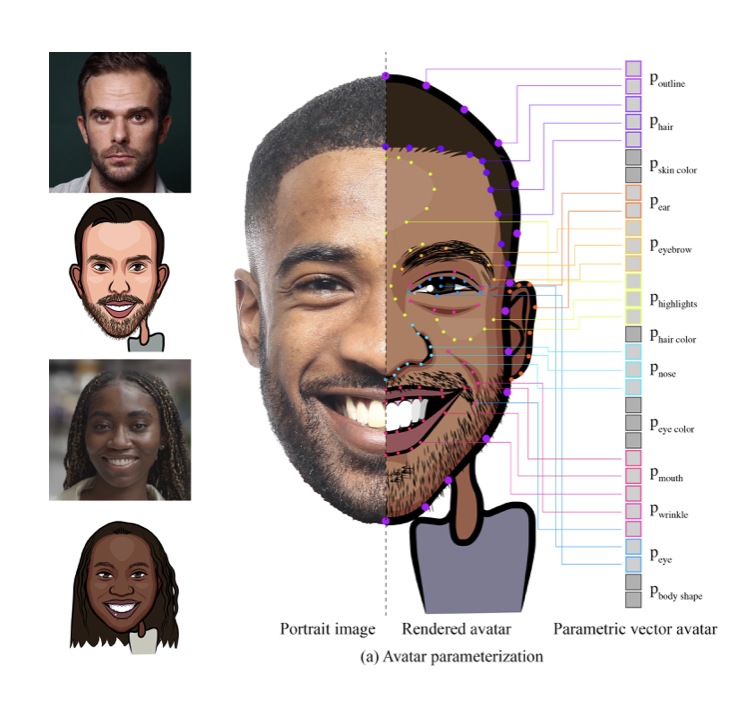
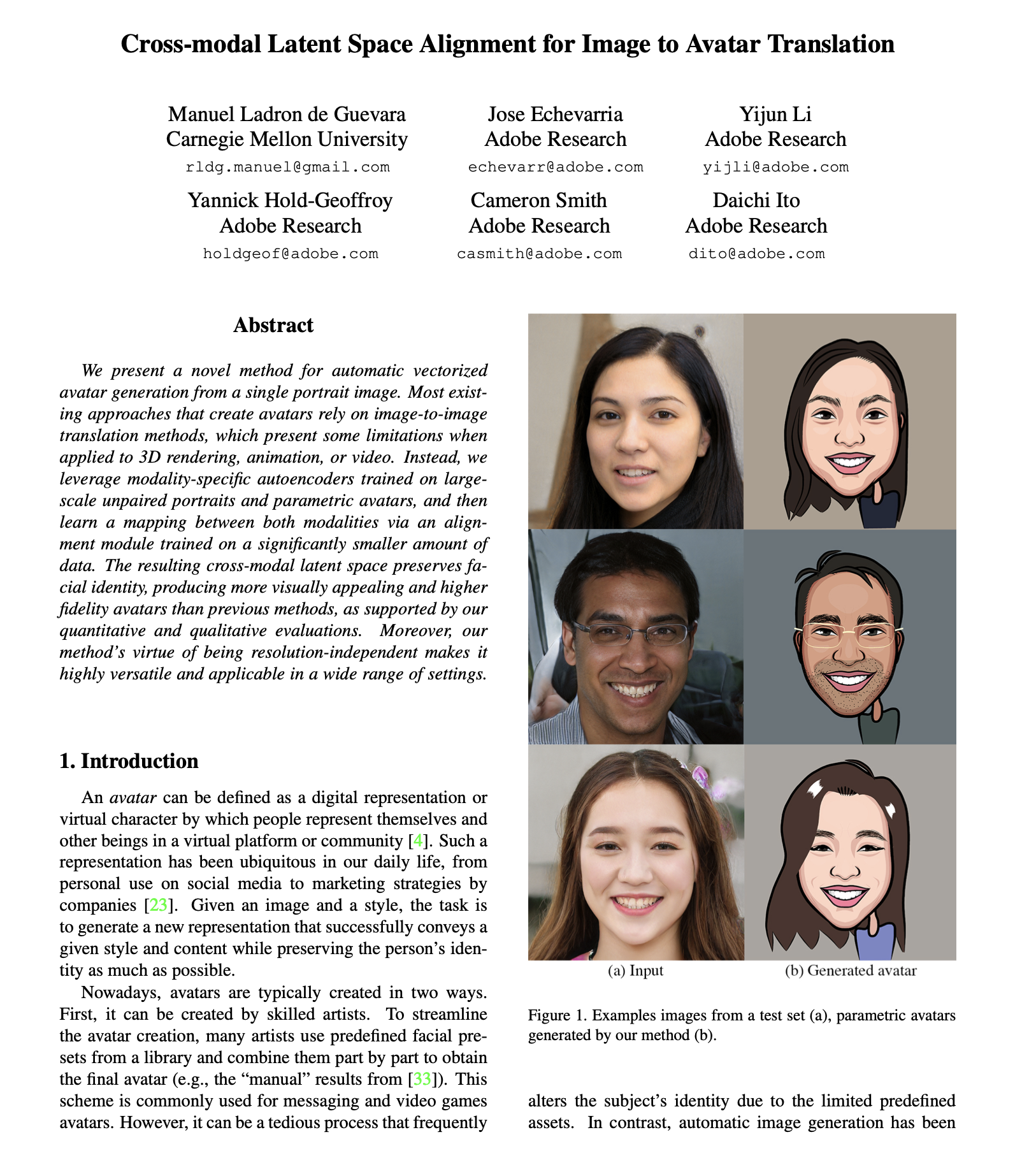
We developed a prototype tool that automatically generates 2D and 3D
caricature avatars from a facial photograph. This work was published at
ICCV 2023.
My Contributions
- Proposed the initial concept and led the project
- Developed the 2D and 3D avatar generation pipeline
- Created and managed the dataset generation process
ICCV
Caricatures
** For projects within Adobe and Adobe Research,
I only share work that is already public, as these projects are
confidential.
Artwork
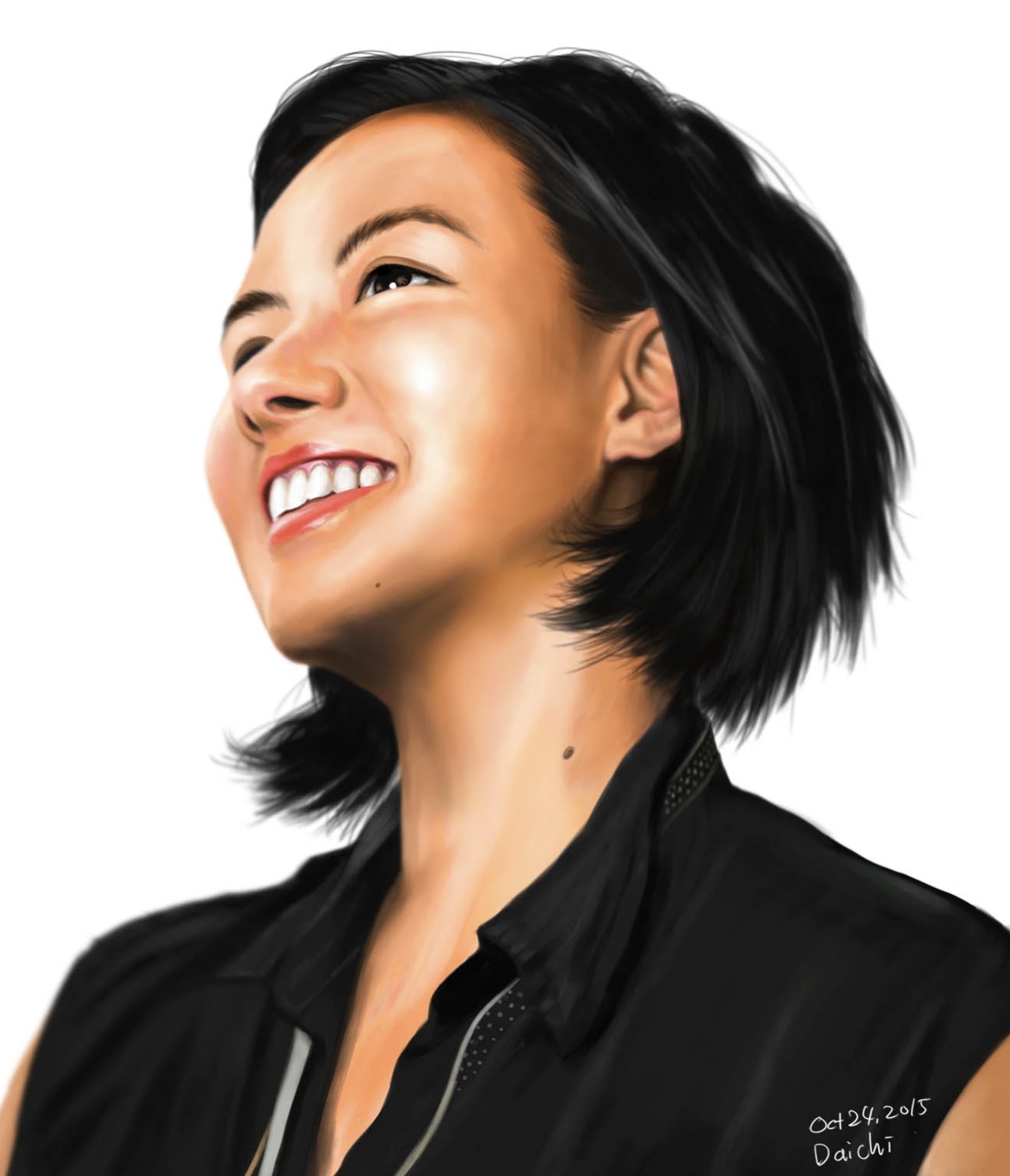
I enjoy creating different types of artwork using a wide range of tools and
media, including traditional materials. Below are selected examples of my
work. Please visit my Behance page to see more.
Behance
Caricatures
Trick Art
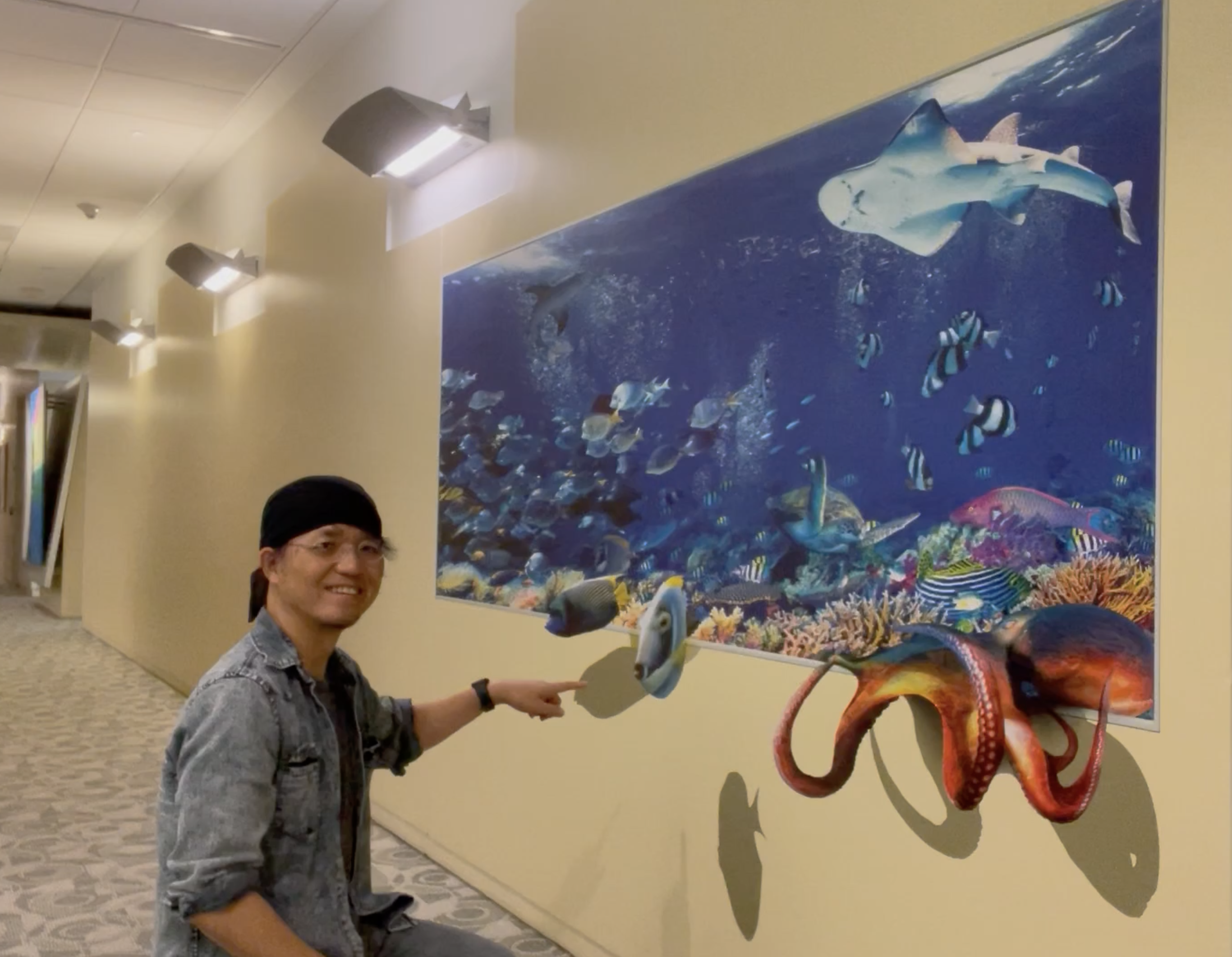
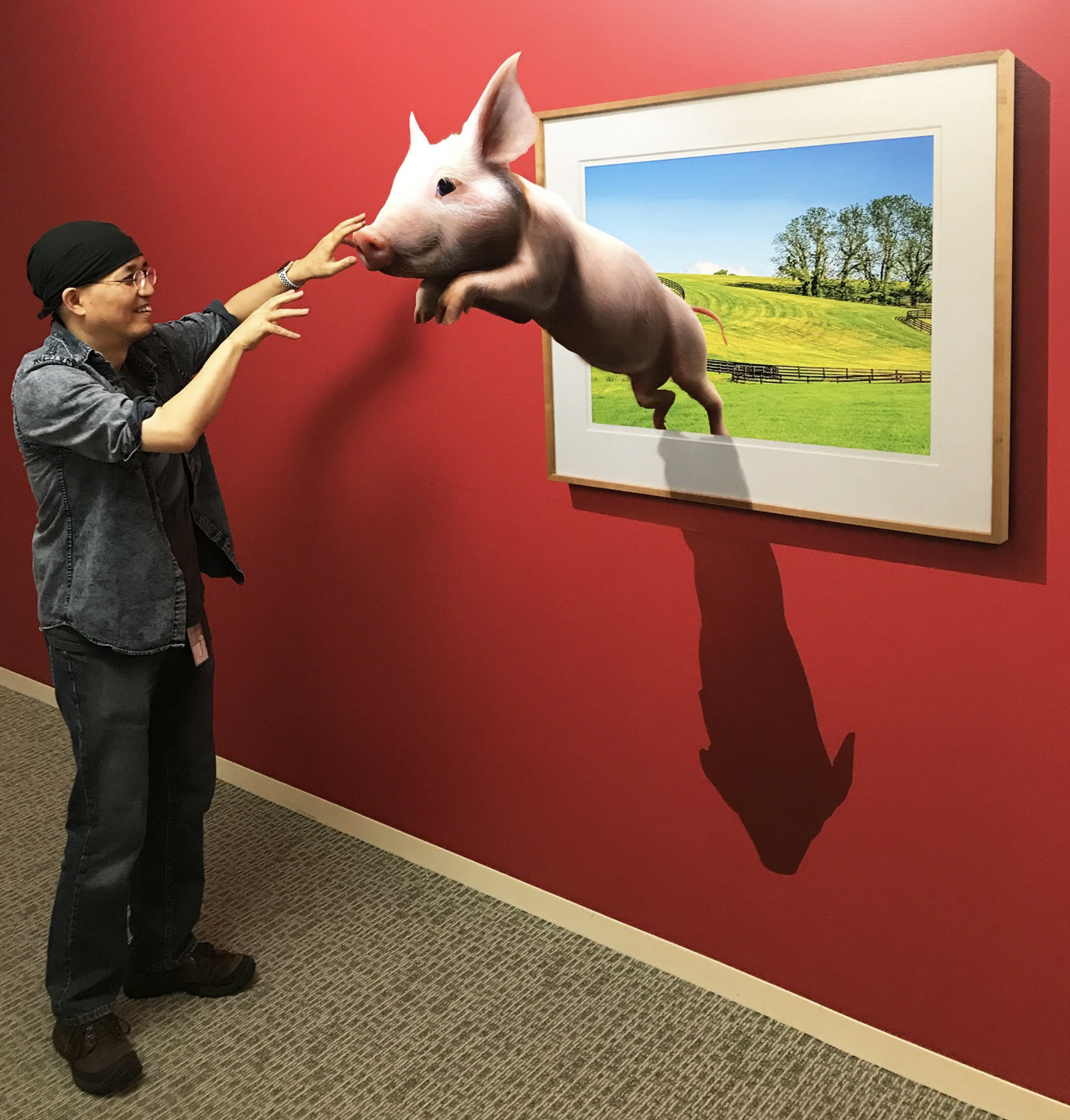
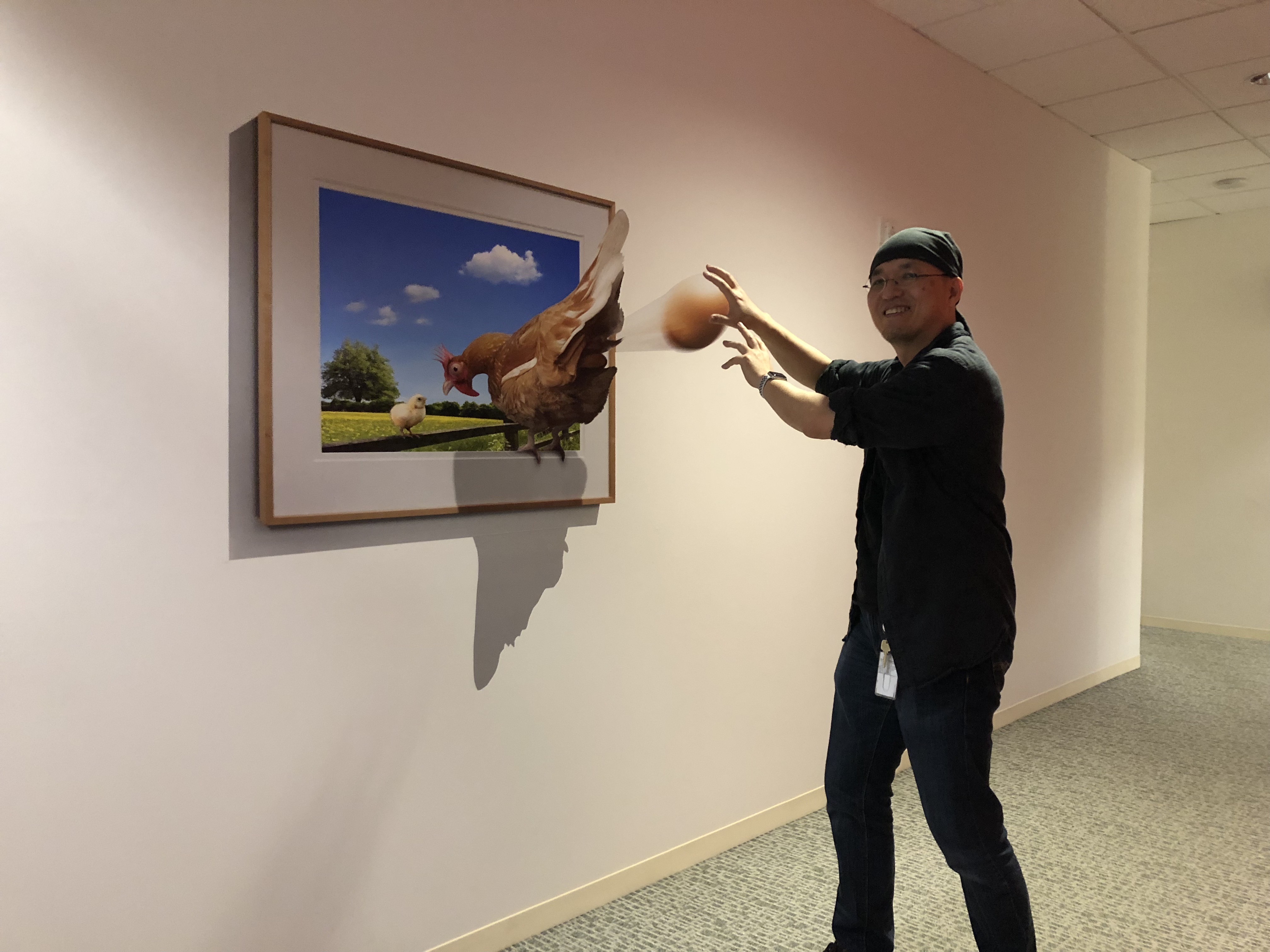
This is a side project I created to make our research floor a little more
entertaining. The artwork itself is completely flat, but from certain
angles, it appears three-dimensional. Visitors can stand in front of it and
take photos that make it look like they are interacting with the animals.
Bēchance
Photoshop Filters
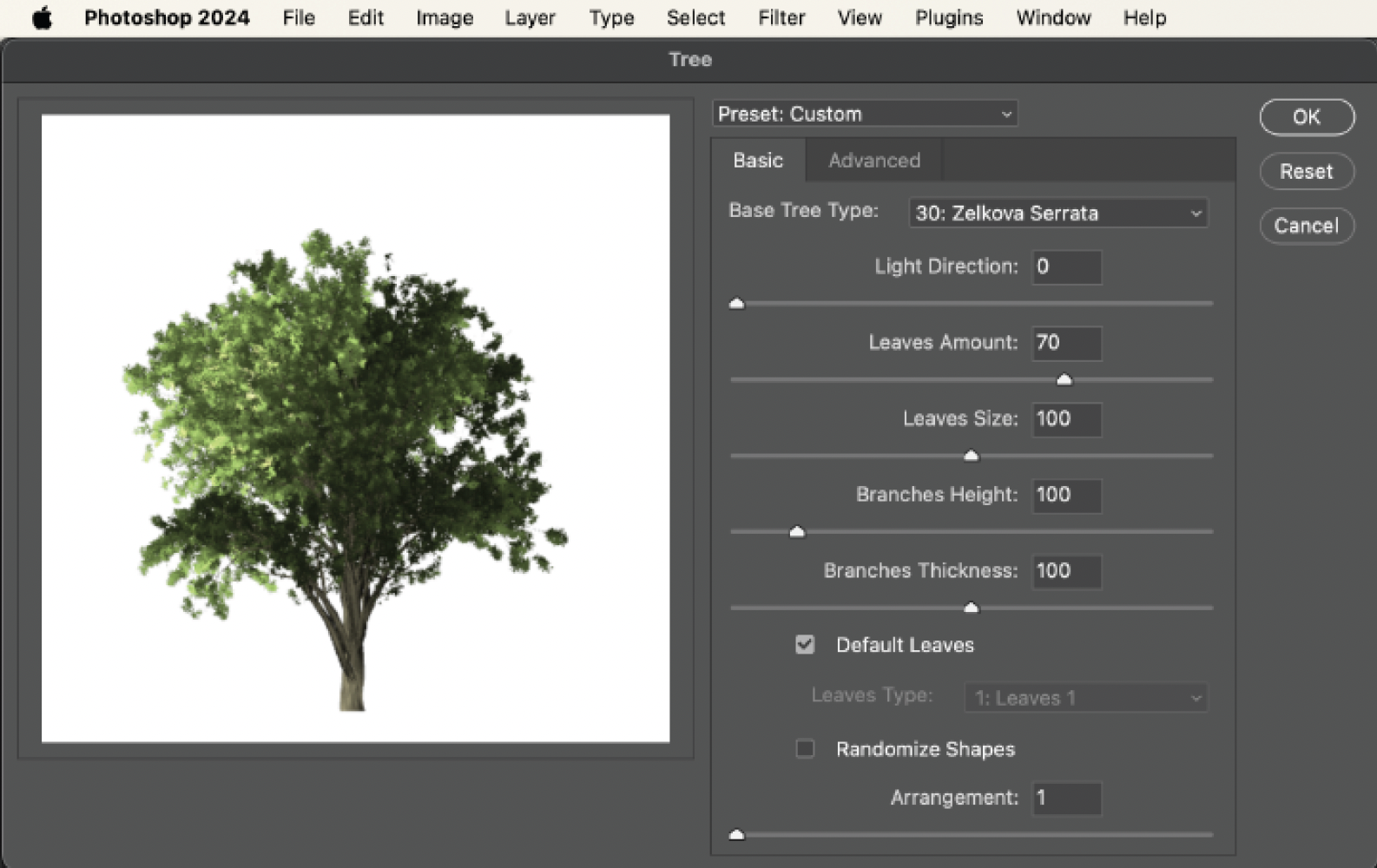
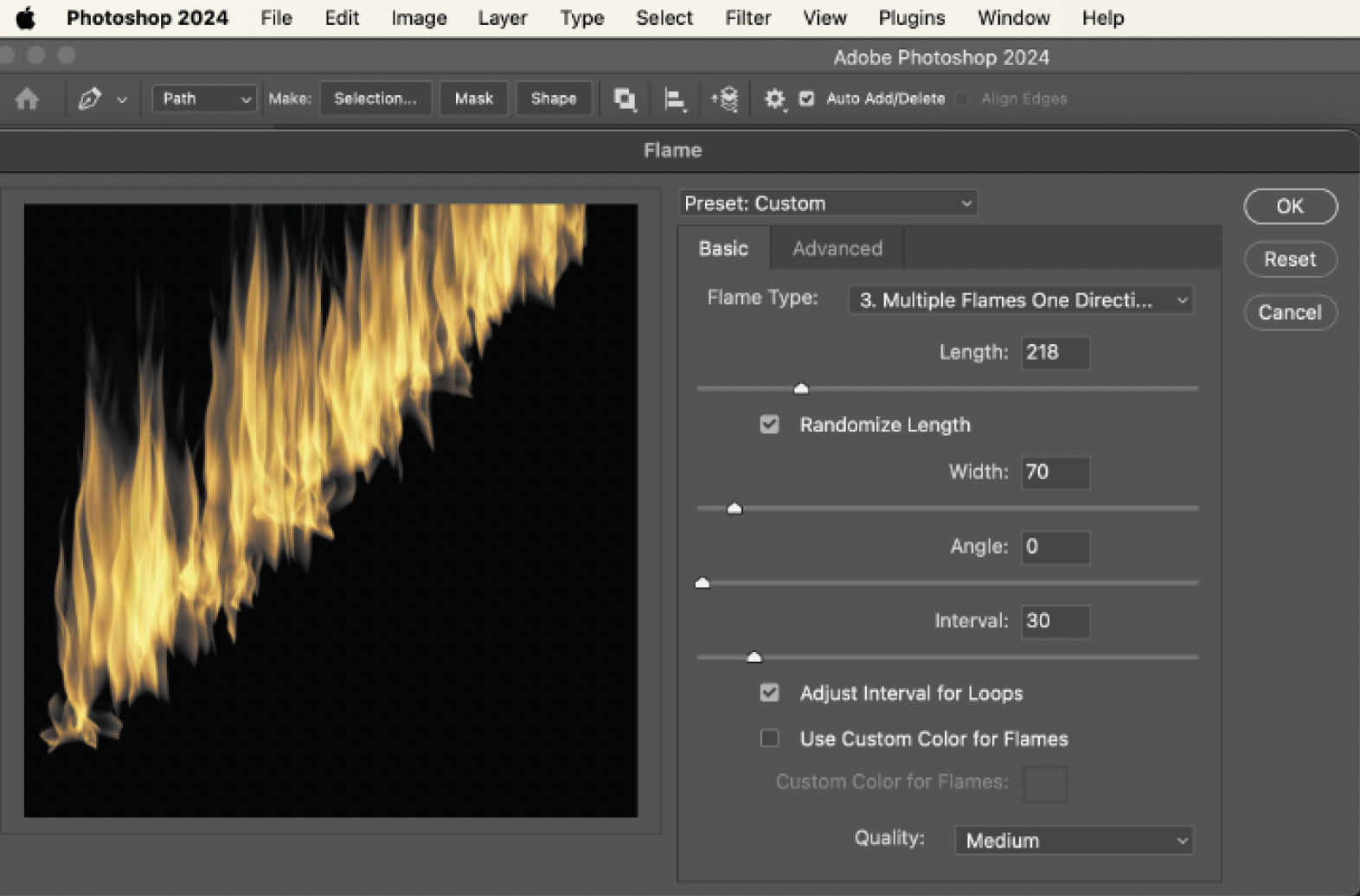
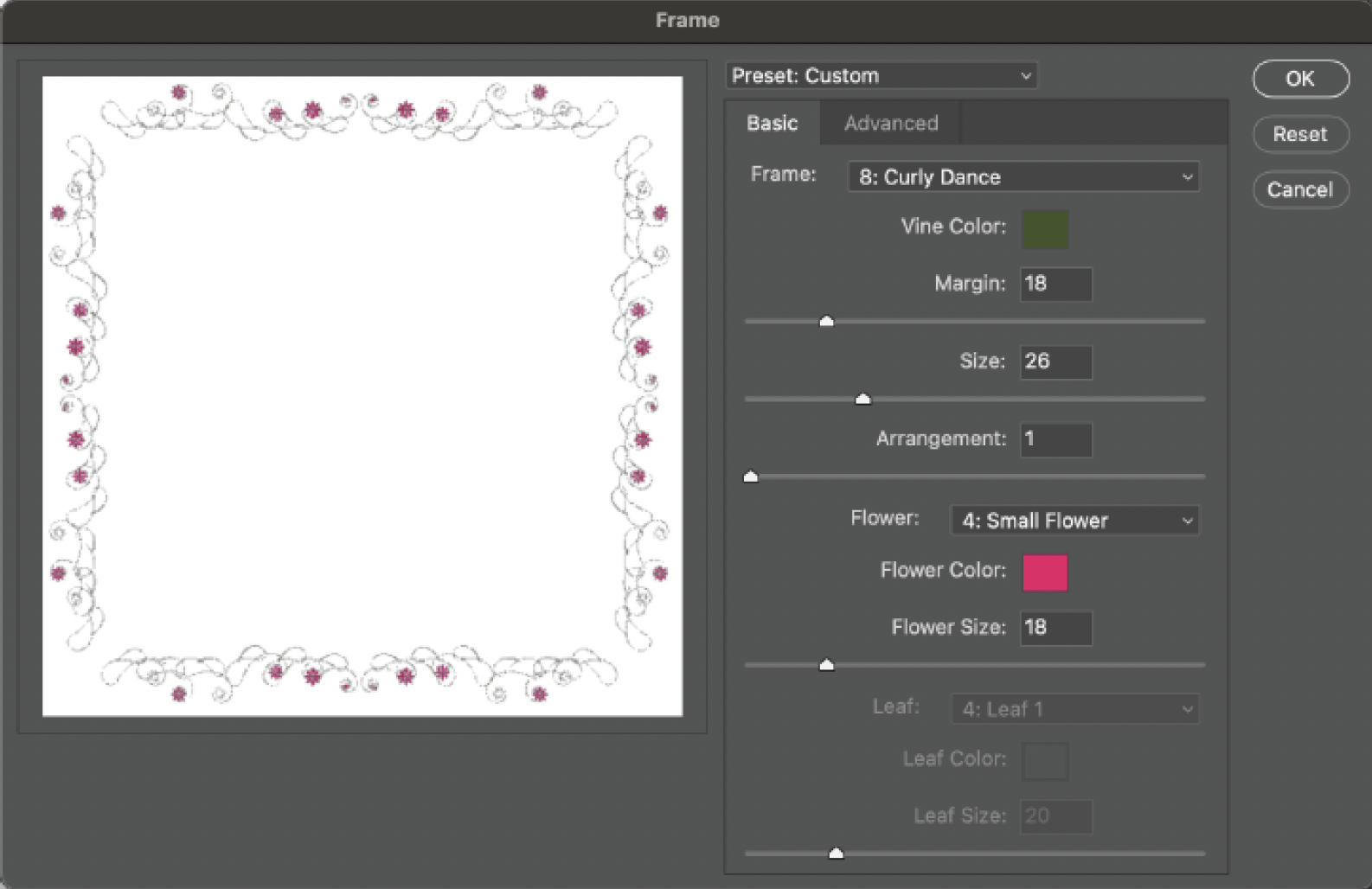
I developed the Tree Generator, Flame Generator, and Picture Frame
Generator, which shipped in Photoshop CC as Render filters.
These filters render customizable tree, flame, and picture frame images
directly onto the canvas.
In Photoshop, they can be found under:
- Filter → Render → Flame…
- Filter → Render → Tree…
- Filter → Render → Picture Frame…
My contributions included the initial concept, algorithm design, and
implementation in C++ and JavaScript.
Photoshop Add-ons
I developed Comic Kit and Deco Tools as Photoshop add-ons.
Comic Kit lets users quickly add screen patterns, zoom lines, and speed
lines to illustrations or comic pages. All effects are highly customizable
and include presets for common patterns.
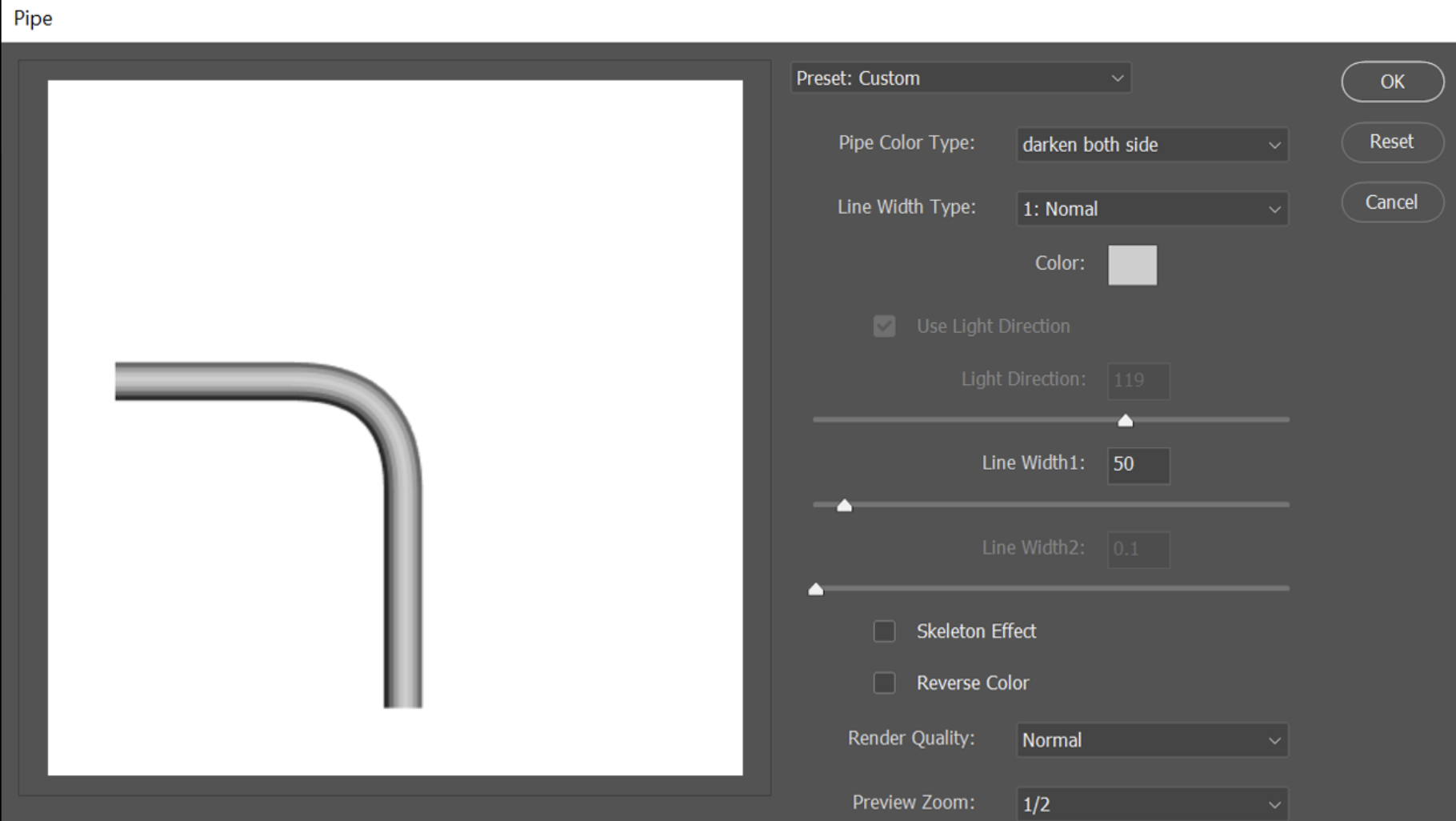
Deco Tools lets users generate customizable dotted lines, zigzag lines,
pipes, and rainbows along paths.
My contributions included the initial concept and algorithm design.
Comic Kit
Deco Tools for Photoshop
Watercolor Algorithm
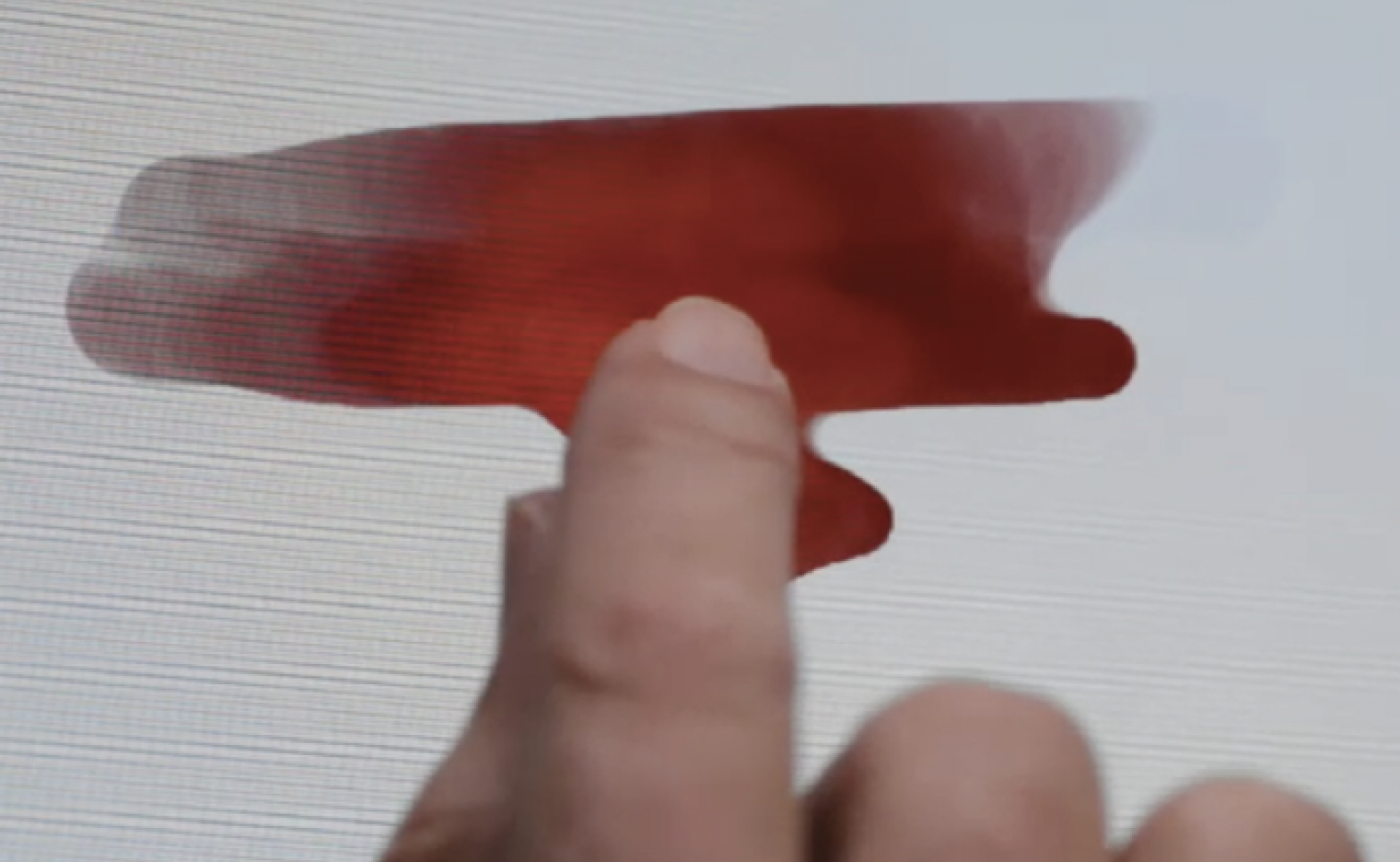
I developed a vector-based watercolor painting algorithm that shipped in
Eazel for iPad 2. Adobe used this algorithm in Eazel, its first painting
app for iPad.
My contributions included the initial concept and core algorithm design.
Demo
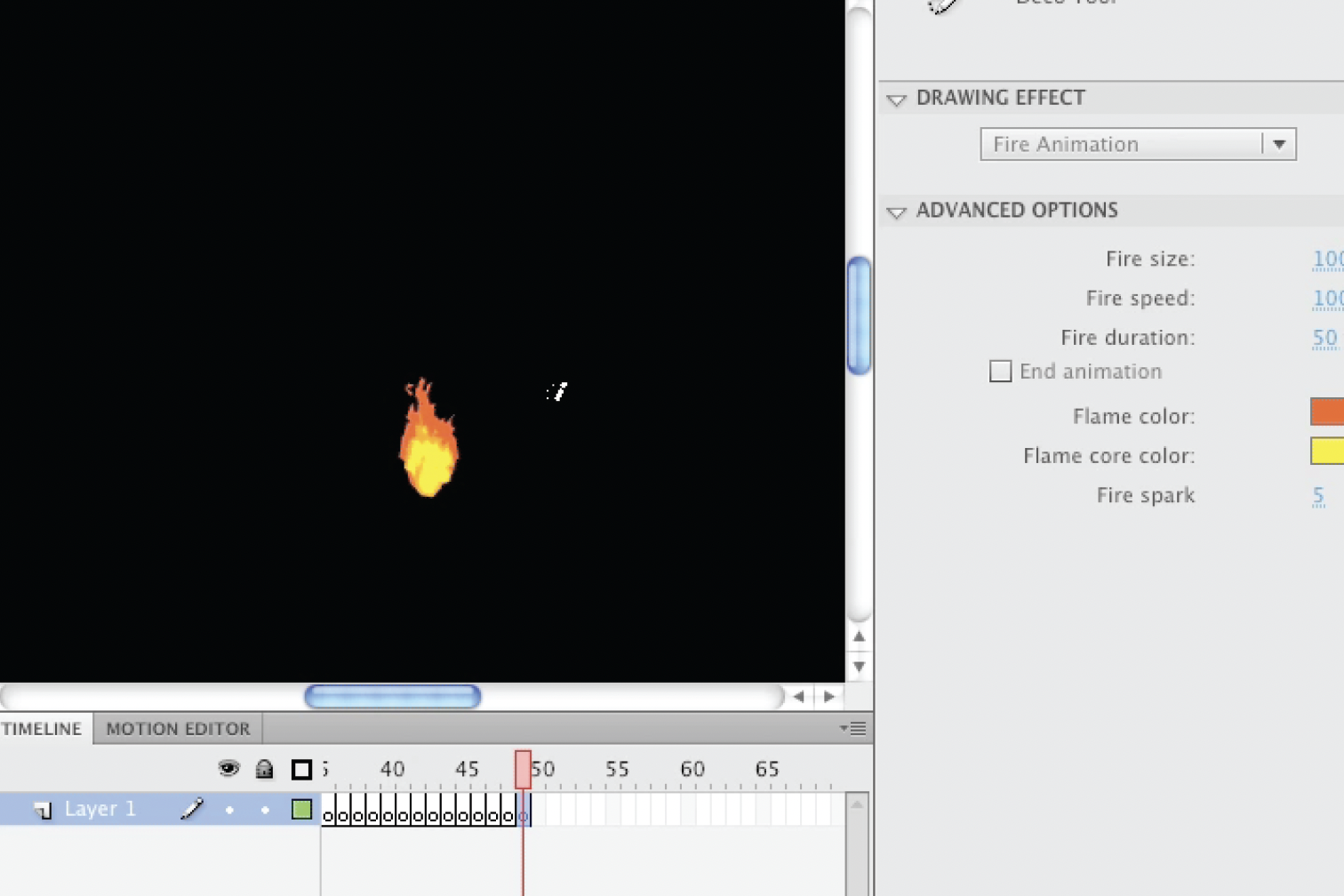
Image Tools in Adobe Flash (Deco scripts)
I developed Fire Animation, Smoke Animation, and five additional image and
animation tools for Adobe Flash, which shipped in Adobe Flash CS5.
My contributions included the initial concept and core algorithm design.